
What should a marketing agency client report include?
A clear period, included campaigns and assets, useful clicks and sources, explained anomalies, measurement limits and a few recommended actions with an owner.
Agency client report
A good report does not deliver a table of numbers without context. It restates what was distributed, shows clicks and relevant assets, clearly separates clicks from conversions, then ends with recommended client decisions.
The first section should fit in a few lines: covered period, active campaigns, main change and proposed decision. The client immediately understands why they are receiving the report. Tables and details come next to support that reading, not replace it.
State dates, account, included campaigns, links or QR codes and excluded channels. A monthly comparison only makes sense if scope stays stable or changes are explained. In Linka Factory, period filters and object selection provide this frame before export.

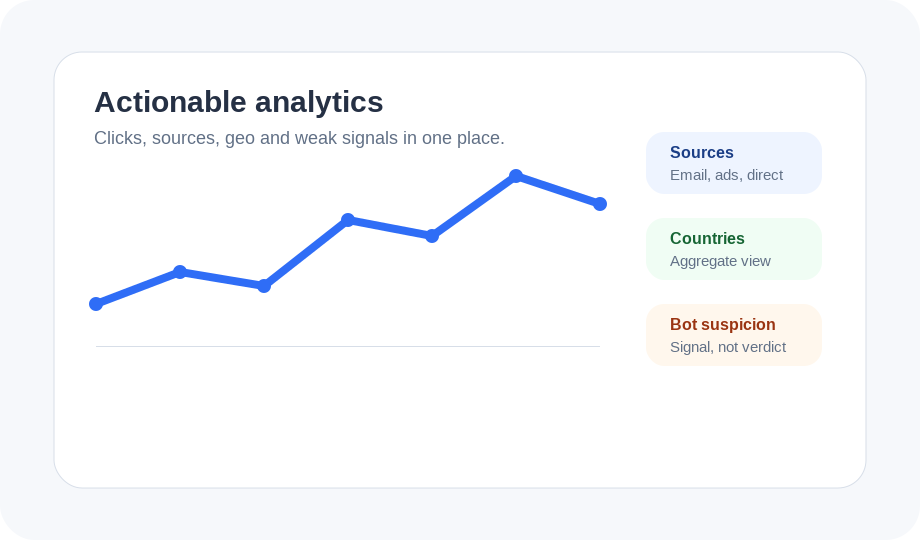
Total clicks are not enough. Add main campaigns, sources, countries or devices when they explain a change, along with destinations actually served. Avoid stacking segments without a conclusion: every visible number should help decide what to keep, fix or test.
A click measures opening a link; a QR scan joins the same journey; a conversion depends on the sale, form or final event tracked elsewhere. The report should name these levels without mixing them. This precision protects agency credibility and avoids promising revenue the data does not prove.
A failing destination, suspicious traffic spike, unexpected country or paused campaign deserves a short note. State what was observed, what was checked and what action was taken. The client then sees that the report supports operations rather than only recording volumes afterward.
Every report should propose a limited number of actions: keep a source, reduce a page weight, fix a UTM tag, replace a destination, separate two QR codes or launch a test. For each action, state the owner and next observation period so the following report actually measures the decision.
The PDF export captures the period and visible information to create a shareable record. On Pro and Scale plans, the owner or a member with report permission and access to all campaigns and links can enable the account's monthly summary. A campaign or link follow-up remains limited to objects the member can access. The agency should review the document, add business context and check the information sent to the recipient.

Related guides
To export the displayed period and enable the monthly summary, see PDF analytics reports.
To organize campaigns, domains and reports by client, discover marketing agencies solution.
To avoid duplicate sources and inconsistent labels, apply UTM campaign naming conventions.
To choose between standard view, segments and detailed logs, continue with click analytics.
A clear period, included campaigns and assets, useful clicks and sources, explained anomalies, measurement limits and a few recommended actions with an owner.
Not on its own. It proves traffic received by tracked links and QR codes. Sales, leads or revenue must be connected with the relevant CRM, ecommerce site or conversion tool.
Yes on Pro and Scale plans when the owner or a member with report permission and account-wide access enables the option. The PDF and summary remain data records; the agency remains responsible for interpretation and recommendations.