What should be tested before printing a QR code?
Scan the final file and then a real-size print. Check contrast, quiet zone, viewing distance, domain, HTTPS, mobile page, UTM tags and click tracking.
Print QR checklist
Before sending your artwork to the printer, check the link, scan readability and mobile page. These seven checks help keep your QR useful after the campaign.
The QR should point to a short link controlled by the team, not directly to a long landing-page URL. Shorter content generally produces a less dense pattern, making print and scanning more forgiving. In Linka Factory, keep the public address unchanged and edit only its destination or UTM tags. Changing the domain or slug creates a different address: an already printed QR does not change with it.

There is no single size that works for every asset. Viewing distance, print quality, material and camera all matter. Place the QR in the final artwork, print it at intended scale and test it from the real use distance: handheld card, wall poster, shop window or packaging.
The code must stand out clearly from its background. Avoid weak contrast, textures behind modules and colors that merge under real lighting. Keep a clear quiet zone around the QR as well: text, borders or images placed too close can interfere with detection.
A QR that works in the editor is not yet validated. Scan the actual PDF or image sent to the printer, then a physical proof. Test several phones and camera apps. Finally verify HTTPS, the displayed domain, the mobile page and the absence of unexpected redirects.
Using the same QR on a poster, flyer and package makes it impossible to know which asset triggered the scan. Create an identifiable link or campaign per placement with a stable naming convention. You can then compare assets without relying on estimates or rebuilding a spreadsheet afterward.
Before printing, decide where visitors should go when the offer ends: a new page, a lasting category or an information page. Pausing the link stops its redirect; it is not a replacement page. Also check the subscription term, link expiration and click quota: printing a QR does not remove those limits. Do not commit to a long-running print campaign with a trial close to expiry.
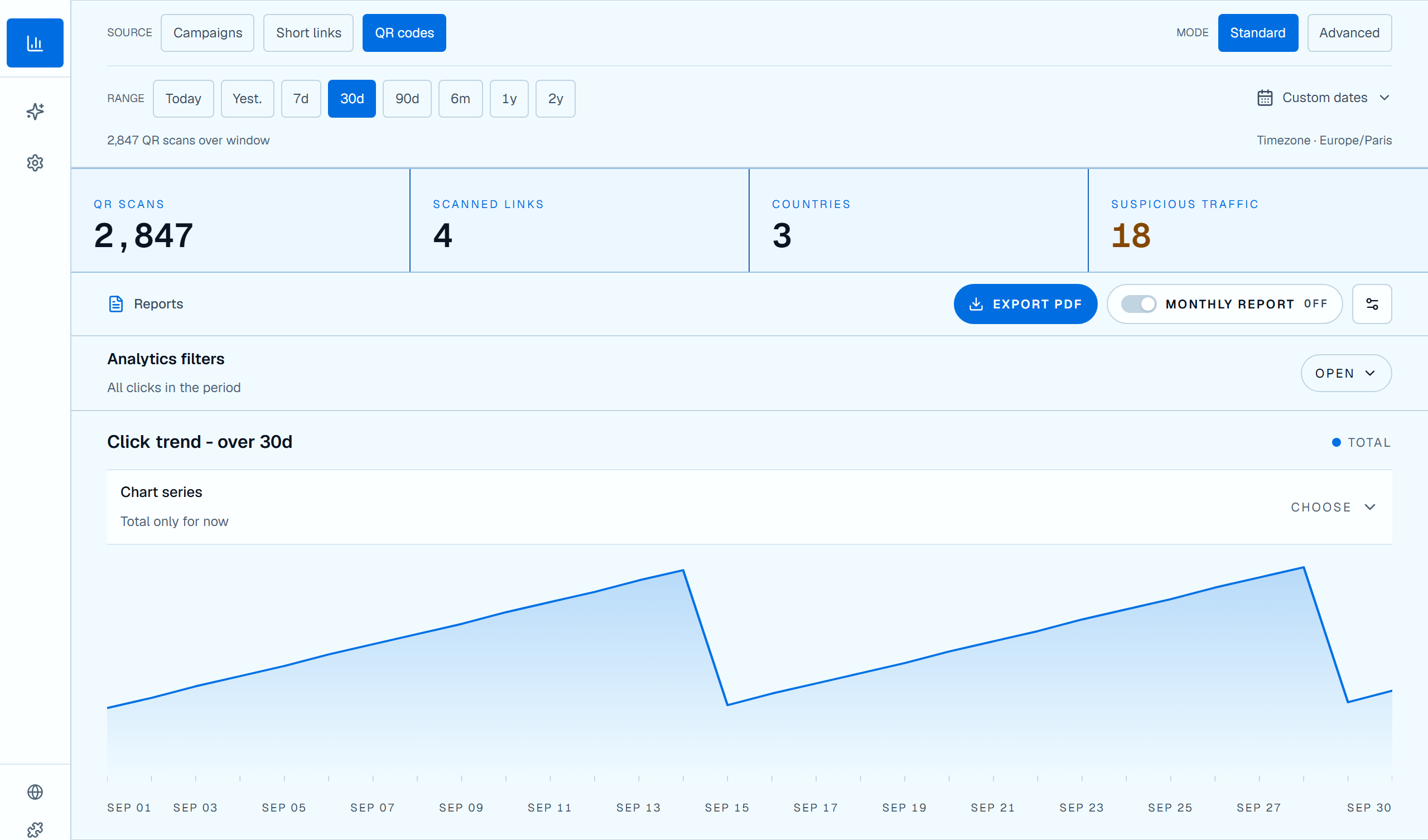
After launch, review clicks by period and placement, then by country and device when those data are available. Choose QR tracking when creating the code to find marked opens under the QR codes source in analytics. Simple QR removes that marker: its opens are mixed with regular link clicks. Linka Factory counts link opens, not QR reads that do not open the link. If the marked address is also shared online, not every click proves a scan. An open does not prove a purchase either: compare volumes with sales, forms or CRM data when available.
Related guides
To generate a downloadable QR and keep its destination editable, see dynamic QR codes.
To organize a campaign across flyers, posters and packaging, open print advertising and QR.
To separate assets cleanly in reports, apply UTM campaign naming conventions.
To read scans as clicks without over-interpreting conversion, continue with click analytics.
Scan the final file and then a real-size print. Check contrast, quiet zone, viewing distance, domain, HTTPS, mobile page, UTM tags and click tracking.
A QR encodes the URL content. A shorter URL generally requires fewer modules, producing a less dense pattern that is easier to print cleanly. The short link also allows the destination to be changed later.
Not if you want to compare performance. A distinct QR or link per placement separates posters, flyers, packaging or events in analytics while still allowing the same final destination when needed.